

Questions about MyZEISS Vision?
We’ll clear them up.Looking for help with your MyZEISS Vision? We made a list of the questions most people have about theirs. And answered them, too. Check it out – you’ll find the info you need.
MyZEISS Vision


-
MyZEISS Vision is available for customers who purchase ZEISS lenses or ZEISS Optical Inserts or people that would like to store their ZEISS Online Vision Screening results in a secure environment and track the progress.
-
It’s a web-based app you can save to your home screen, so it works just like a regular app.
-
You can choose your country and language while you create your account and also change them later in your profile settings.
-
The benefits of registering your ZEISS Optical Inserts on MyZEISS Vision include:
- Activate your free one-year warranty extension.*
- Track your personal eye health information and expand your vision knowledge.
- Save your unique pairing code online, as featured on the printed card.
*Valid if you register your ZEISS lenses or Optical Inserts within 90 days of purchase.
-
Access MyZEISS Vision using this link https://myzeissvision.zeiss.com/. You can also find the link on the lens certificate, which you receive from your eye care professional. Follow the registration flow by creating an account and setting up a password.
-
No worries! Recovering your password is easy. You can use the link on the ZEISS ID login page or just click on the "Recover" link below.
-
Verification emails are sent automatically. We recommend checking your junk or spam folder for an email from ZEISS ID. If you need to reset or resend your login information, please click here.
-
This functionality is not yet available but we're looking into it whilst continuously adding new features. Stay tuned!
-
MyZEISS Vision with its new feature Spectacle Lens Registration is currently available in selected countries. We're working on bringing the new features to more countries soon!
-
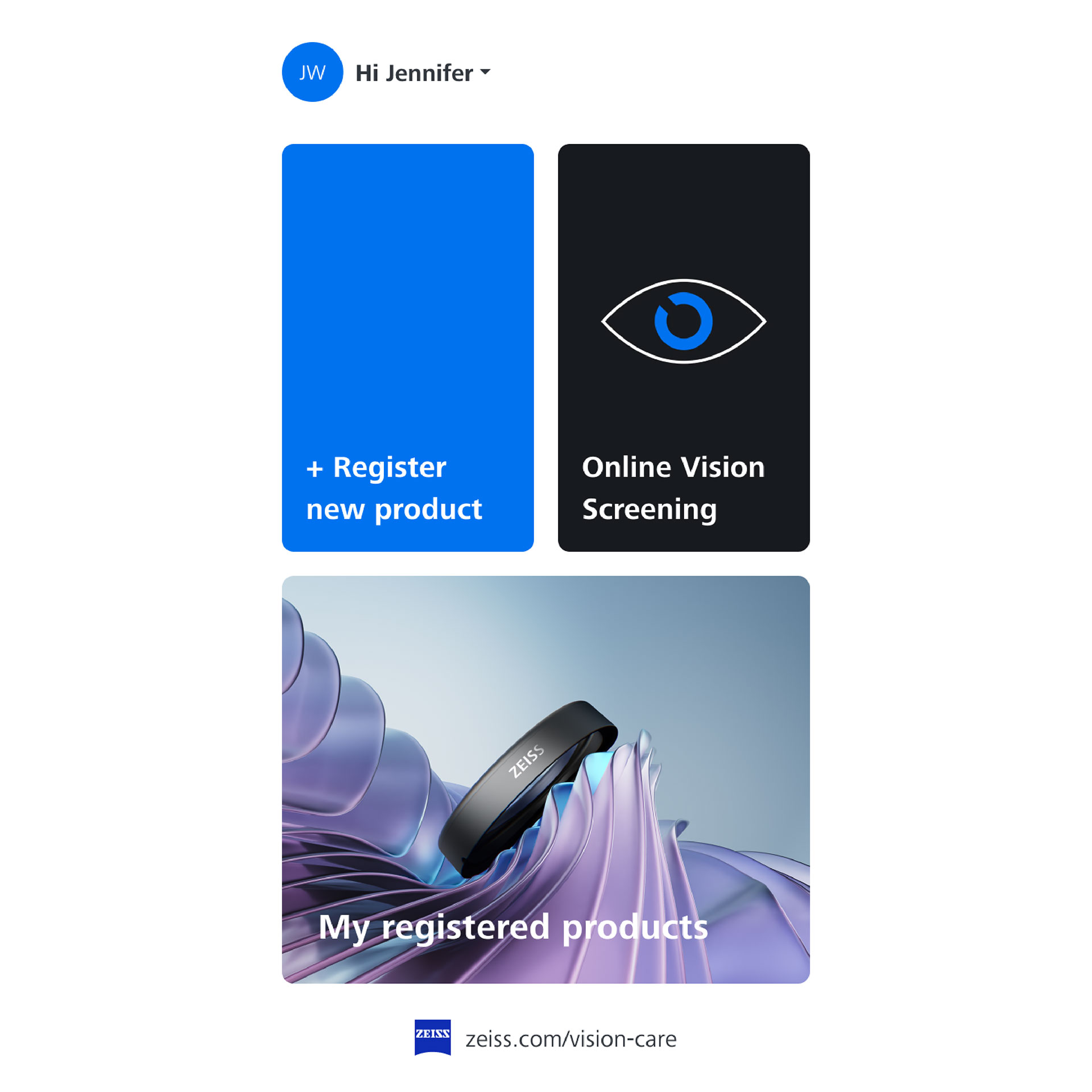

It’s easy to create an account and register your ZEISS Optical Inserts on MyZEISS Vision. Once you’ve signed up and your account is verified, click on the “Register new product” button in MyZEISS Vision. All you need is your serial number and you’re ready to go.
-
There can be several reasons why registration is not working as to be expected. We recommend the following actions:
- Double check if you entered the 10-digit serial number. It can be found engraved on the frame mount and on the backside of the printed card included in the trifold packaging.
- Sometimes there is a typo, and a simple correction can fix the issue.
- If you are still unable to register the product, refresh your page and check if the product has perhaps already been registered to your account.
- If the product still cannot be registered, please reach out to us using this contact form.
-
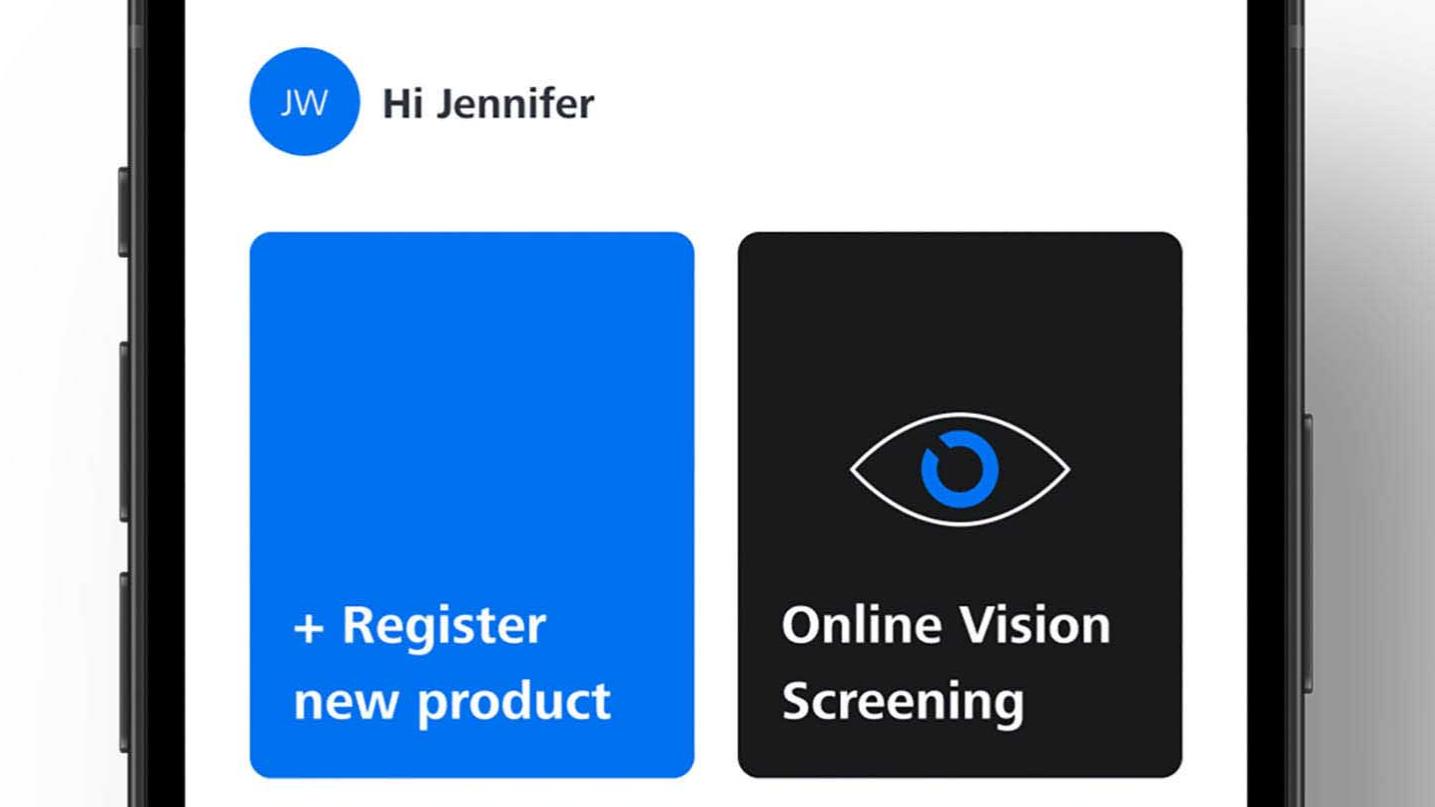
Yes, every lens comes with a unique code that you can use to add a new product here.
-
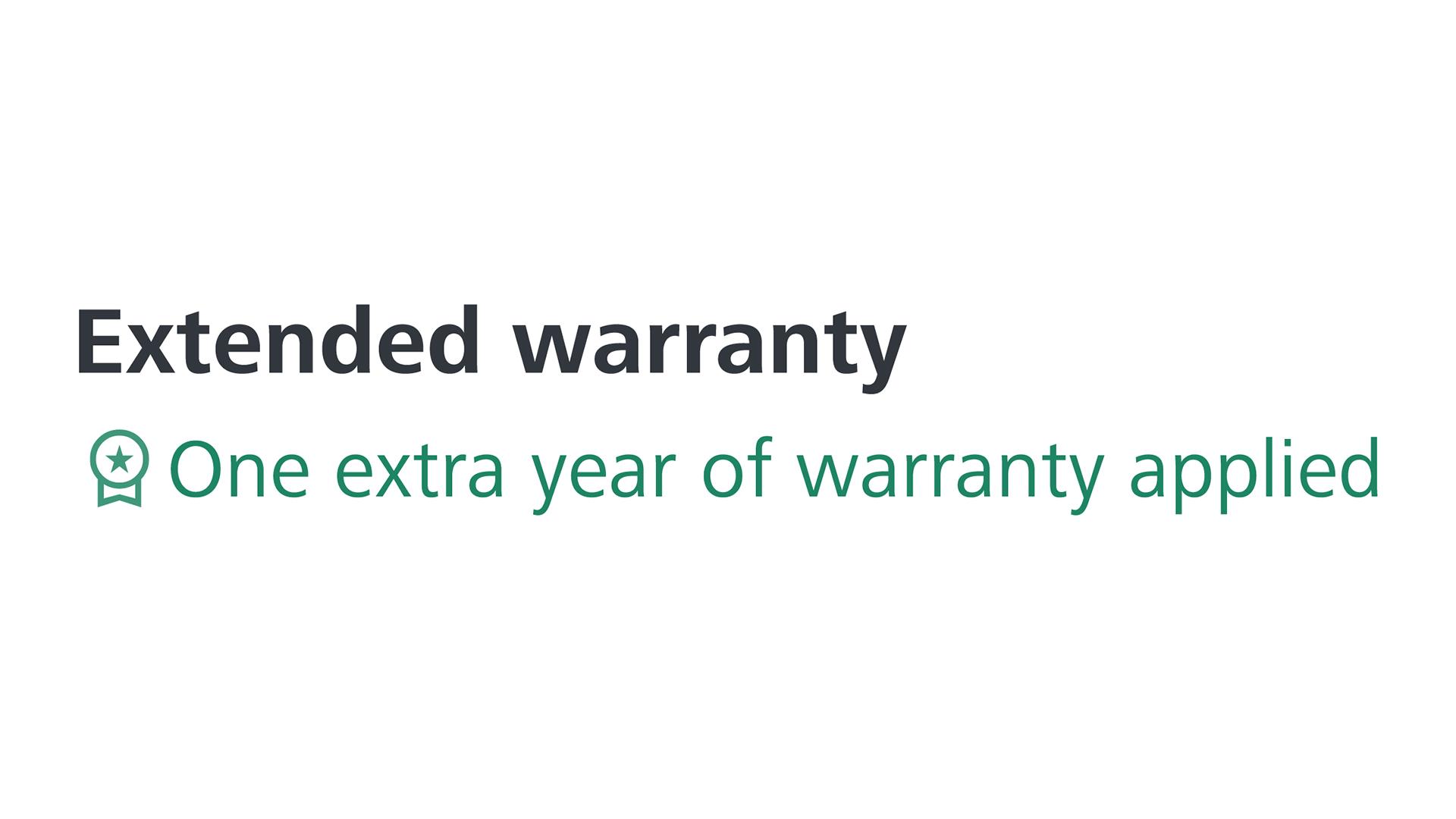
You will see a badge with your registered product. This will indicate the product has the extended warranty applied.
-
If you've not done so already, please register on our MyZEISS Vision platform. The system will help you register your ZEISS Optical Inserts. It's easy – just follow the prompts. If your product is registered, select it and click the "Pairing" button.
-
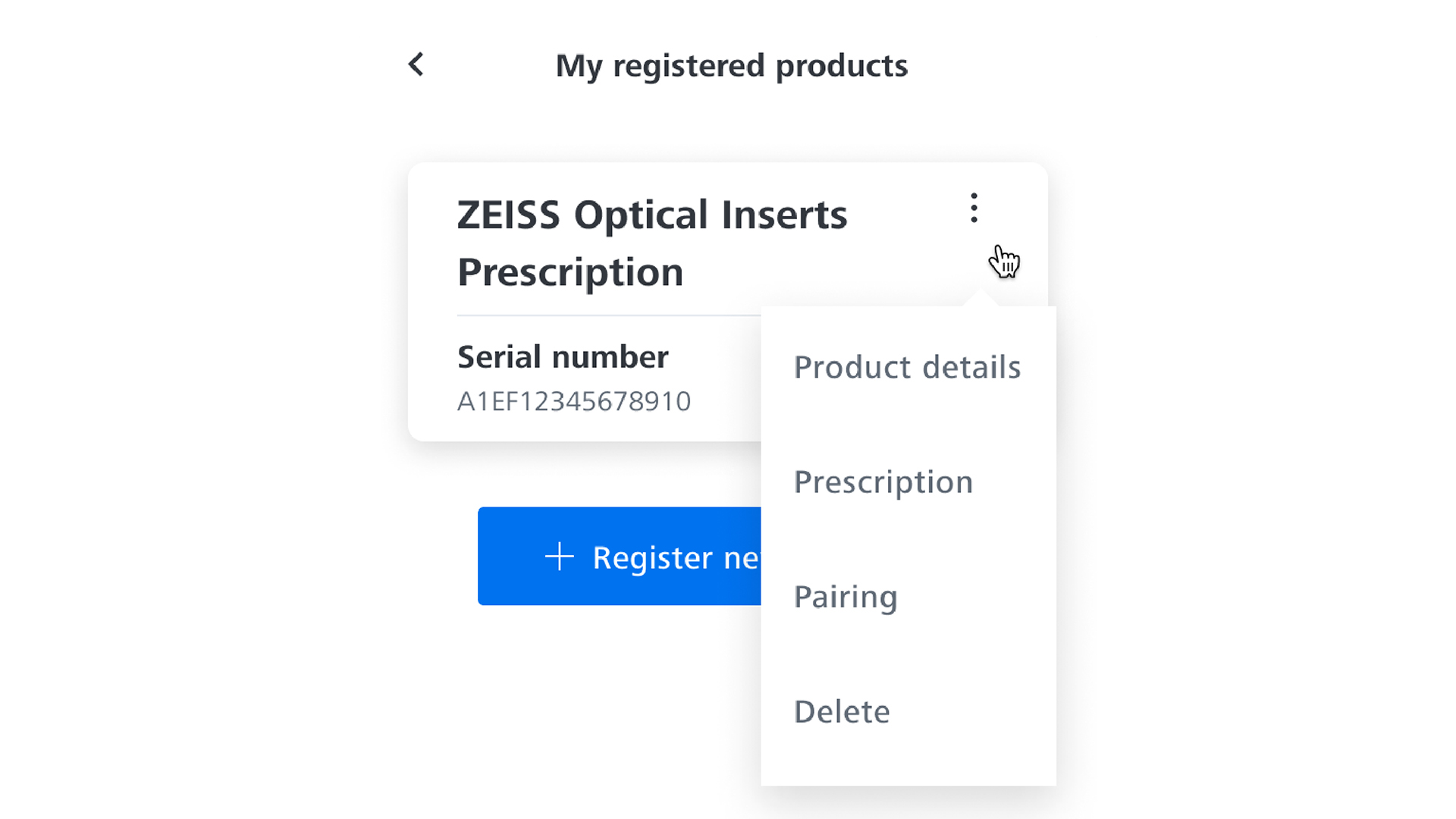
Within the "My registered products" area of your personal MyZEISS Vision account, you can find all your registered products. Simply click on the three dots next to the registered product you wish to delete and select "Delete".
-
Currently, prescriptions are shown in minus cylinder format.
-
Yes, each lens certificate has a unique registration code specifically for your lenses.
-
You can go back to the optician where you have bought your ZEISS lenses, their should be able to download the certificate again.
-
You can choose your country and language in your ZEISS ID account, so certificates from India work in other countries too. If your country isn’t fully supported yet, you’ll just get emails in English. You can still register your lenses, as long as you have bought your ZEISS lenses at an optician in India.
-
Close the page and your browser. Then try reopening the page and log in. If the issue persists, contact support.
-
If you would like to remove your entire personal data, you need to delete your ZEISS ID Account. To do so you can go to the profile section of MyZEISS Vision or directly to the ZEISS ID Self Service Portal where you can delete your personal data.


